
Buying Guide
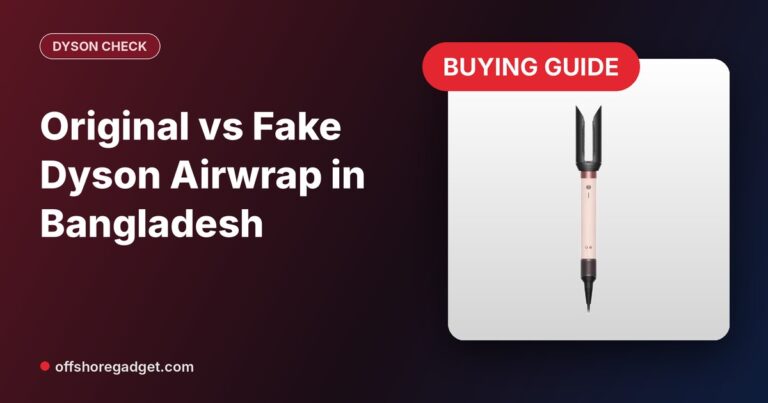
Original vs Dupe Dyson Airwrap: How to Avoid a Fake Dyson in Bangladesh (2026)
Dyson Airwrap dupe or original? How to spot a fake Dyson in Bangladesh: price, finish, packaging and seller checks. Why a serial number alone is not proof.
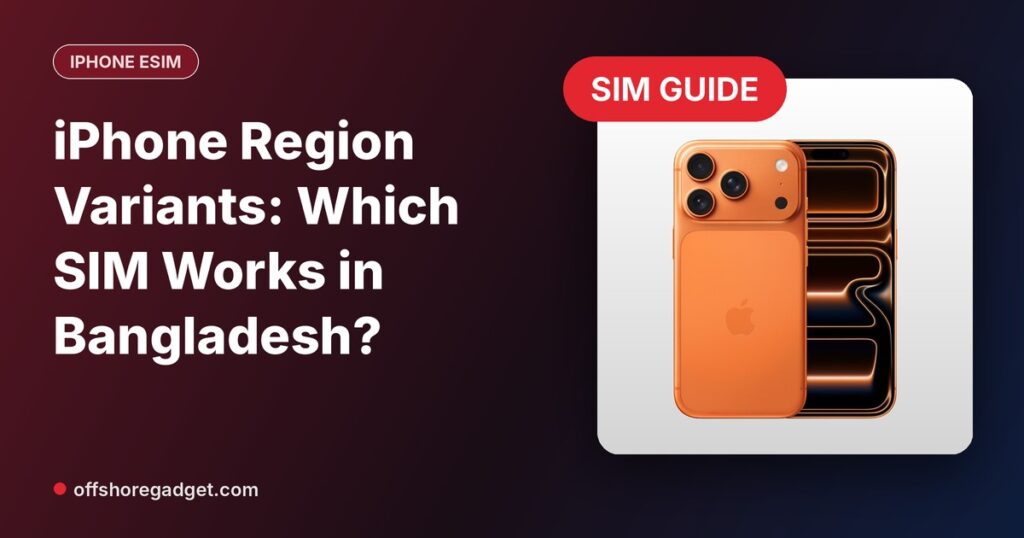
iPhone region variants in Bangladesh differ mainly in SIM support: IND and AUS variants take one physical nano-SIM plus eSIM, CN variants take two physical nano-SIMs, and USA, JP, UAE and HK variants have no SIM tray and work only with eSIM. All of them run the same iOS and the same apps, so choose the one that fits how you use your SIM.
Updated: November 2026.
Key Facts
This table shows how each region variant handles SIM cards in Bangladesh.
| Region | Physical SIM | eSIM | Best for |
|---|---|---|---|
| IND (India) | 1 nano-SIM | Yes | Most buyers who use a normal SIM |
| AUS (Australia) | 1 nano-SIM | Yes | Same as IND |
| CN Dual SIM (China) | 2 nano-SIMs | Check by model | People who carry two physical SIMs |
| USA | No SIM tray | Dual eSIM | eSIM users who want a lower price |
| JP / UAE / HK | No SIM tray | Dual eSIM | eSIM users; price varies by stock |
SIM layouts can differ by model, so always check the Region option on the product page before you order.
IND or AUS is best for most people in Bangladesh because you can keep using your current nano-SIM and add a second number by eSIM.
Choose an eSIM-only variant if you are happy to convert your number to eSIM; these are often cheaper for the same storage.
Yes. Grameenphone, Robi, Banglalink and Teletalk all offer eSIM, so an eSIM-only iPhone works on Bangladeshi networks.
Availability, fees and the process can change and may differ by area, so confirm with your operator’s customer centre before you buy.
eSIM-only variants (USA, JP, UAE) are usually cheaper than IND or AUS variants of the same storage. Select the region on each product page to see today’s exact price.
| Model | Price in BD (from) | Regions we list |
|---|---|---|
| iPhone 17 | ৳108,499 | IND, AUS, CN, USA, JP |
| iPhone 17 Pro | ৳141,499 | AUS, USA, JP/UAE |
| iPhone 17 Pro Max | ৳152,499 | AUS, USA, JP, UAE |
| iPhone 17e | ৳77,500 | AUS, JP |
| iPhone Air | ৳116,499 | eSIM only (USA, JP/UAE, Global) |
| iPhone 18 Pro Max | ৳189,999 | HK, JP |
An imported iPhone can be used in Bangladesh when its IMEI is registered in BTRC’s NEIR system. Check the status before or right after buying.
Send KYD <15-digit IMEI> by SMS to 16002, or search the IMEI on the BTRC NEIR portal. Rules can change, so follow BTRC’s latest notice. Step-by-step: how to check an original iPhone in Bangladesh.
You can order any iPhone on our site online and pay in Taka, with cash on delivery across Bangladesh.
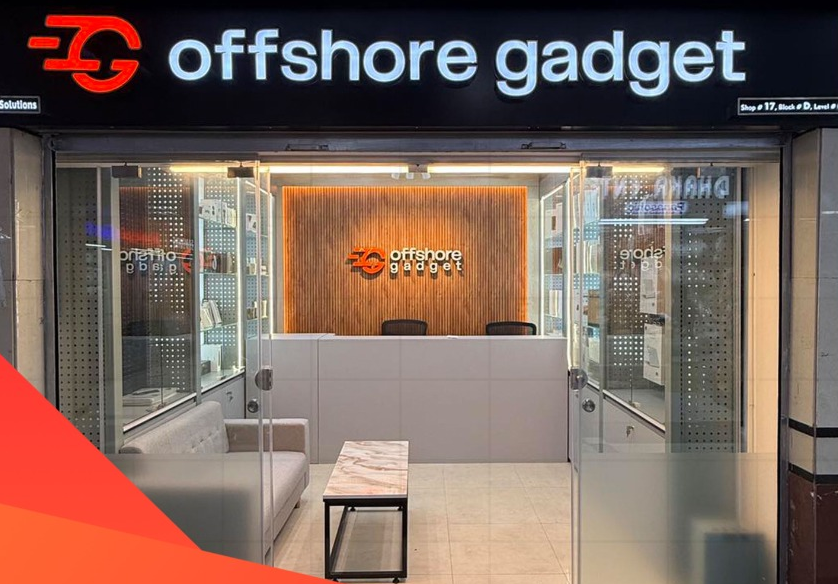
Mobile phones are online order only (our Bashundhara City showroom does not sell phones over the counter). Delivery takes 1–2 days in Dhaka and 2–3 days outside Dhaka. Want a model or colour we don’t list? Use our pre-order request and we quote it in Taka.
IND or AUS variants are best for most people because they take one physical nano-SIM plus eSIM, so you can keep your current SIM. CN variants take two physical SIMs. USA, JP, UAE and HK variants are eSIM only but usually cost less.
Yes, a USA iPhone works in Bangladesh with eSIM. Recent USA models have no SIM tray, so you need to convert your Grameenphone, Robi, Banglalink or Teletalk number to eSIM at the operator’s customer centre.
The main difference is SIM support. The chip, camera, display and iOS are the same. Some small details can vary by region, such as the camera shutter sound on Japanese models, so check the product page if this matters to you.
Grameenphone, Robi, Banglalink and Teletalk all offer eSIM. Visit the operator’s customer centre with your NID to convert your number. Fees and availability can change, so confirm with the operator first.
IND বা AUS ভ্যারিয়েন্ট নিলে নরমাল ন্যানো-সিম চলবে, সাথে eSIM-ও ব্যবহার করা যাবে। CN ভ্যারিয়েন্টে দুটি ফিজিক্যাল সিম চলে। USA, JP, UAE ও HK ভ্যারিয়েন্টে সিম ট্রে নেই, শুধু eSIM চলে।
আপনার অপারেটরের (GP, Robi, Banglalink বা Teletalk) কাস্টমার সেন্টারে NID ও রেজিস্টার্ড সিম নিয়ে যান। eSIM কনভার্শন চাইলে একটি QR কোড দেবে, আইফোনের Settings থেকে সেটি স্ক্যান করলেই eSIM চালু হবে।
Choose IND or AUS if you want a normal SIM, and an eSIM-only variant if you want to save money. Compare every model and region on our iPhone page, or read which iPhone to buy in Bangladesh.
Dyson Airwrap dupe or original? How to spot a fake Dyson in Bangladesh: price, finish, packaging and seller checks. Why a serial number alone is not proof.
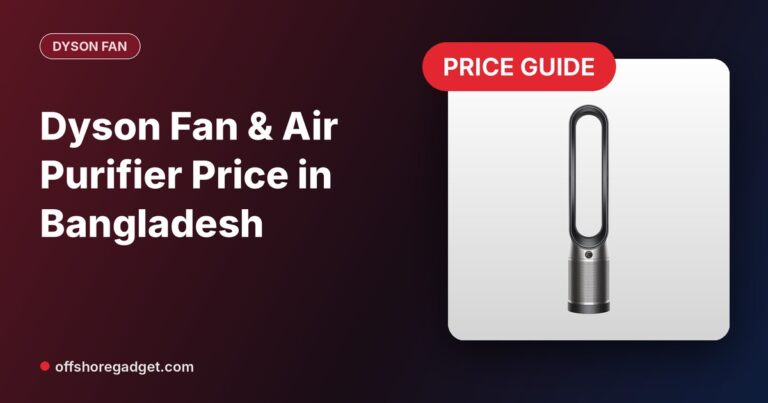
Dyson fan price in Bangladesh: Purifier Cool PC1 bladeless fan, HushJet purifier and HushJet Mini portable fan. Specs, which to buy, pre-order in Taka.
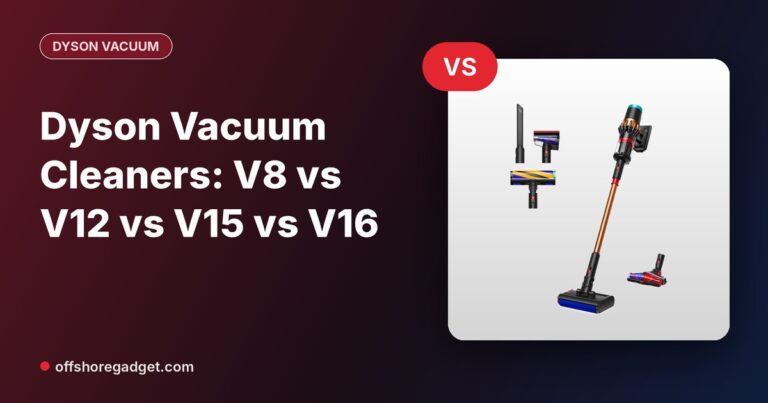
Prices of Dyson vacuum cleaners in Bangladesh: compare V8, V12, V15 and V16 suction, runtime and bin size. V16 in stock, others on pre-order.

Shop Smarter, Source Anything: The Future of Shopping is Here! We Source The Products That You Want.
Opening Hours: 11:00 AM – 08:00 PM (Wed – Mon)