

Corporate Gifts
Corporate Gift Gadgets in Bangladesh: Executive & Employee Tech Gift Ideas (2026)
A pen set or a crest is forgotten in a week. A useful gadget gets used every day, and your company’s name
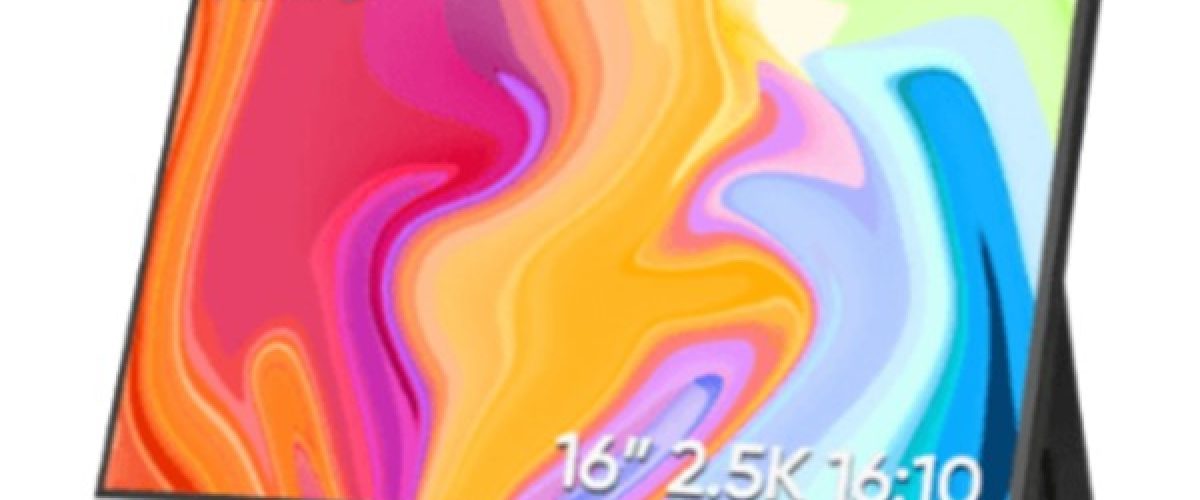
A laptop screen feels small the moment you open Excel, Zoom and a browser at the same time. A portable monitor solves that. It is a slim second screen that fits in your laptop bag and connects with a single USB-C cable. In this guide we compare the best portable monitors in Bangladesh in 2026, with real prices, and show you how to pick the right one for work, study, gaming or travel.
All prices are from Offshore Gadget as of November 2026 and include warranty.
A portable monitor is a lightweight external display, usually 13 to 18 inches and under 1 kg. It gets power and video from your laptop or phone through a USB-C cable, so most of the time you don’t need a power socket. Many models also have Mini HDMI for older laptops, PS5, Xbox and Nintendo Switch.
People in Bangladesh use portable monitors to:
| Model | Size / Key Feature | Price (৳) |
|---|---|---|
| Arzopa A1 Gamut Slim | 14″ FHD, ultra-thin (≈500 g) | 12,200 |
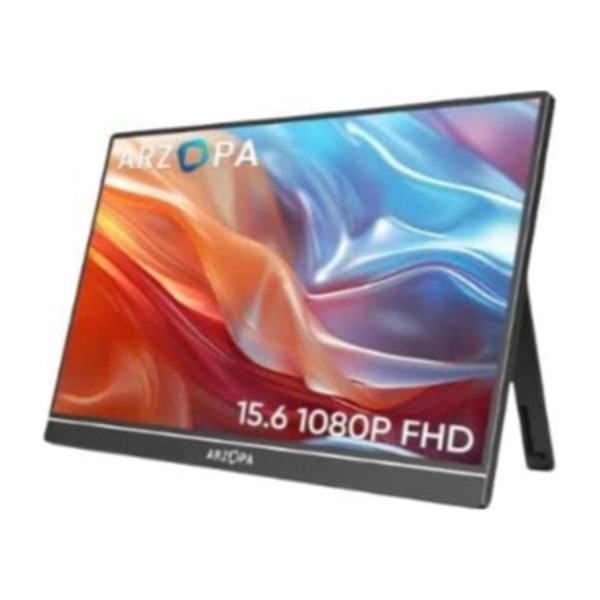
| Arzopa A1 | 15.6″ FHD | 13,000 |
| Arzopa S1 Table | 15.6″ FHD | 15,000 |
| Arzopa Z1FC / G1 Game Max | 16.1″ 144Hz gaming | 16,990 |
| Arzopa Z1RC | 16.1″ 2.5K QHD, 500 nits | 17,500 |
| Arzopa A1T | 15.6″ FHD touch, 144Hz | 17,990 |
| Arzopa ZT1 | 14″ touch, 16:10 | 20,000 |
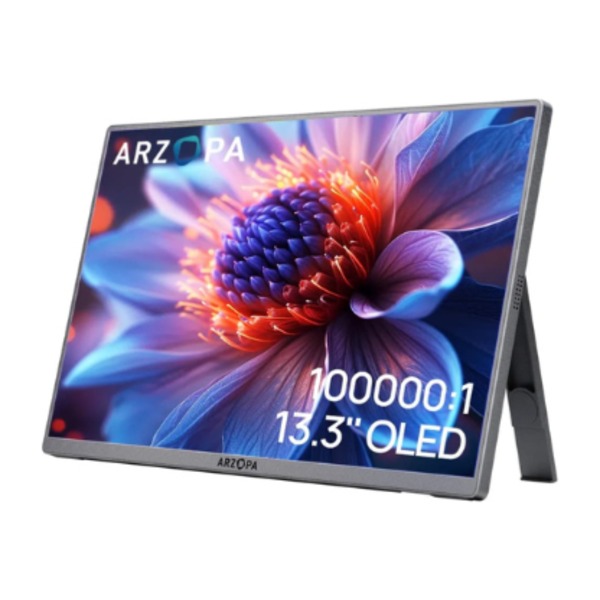
| Arzopa A3C Pro | 13.3″ OLED | 25,000 |
| Arzopa Z3FC | 2.5K QHD, 180Hz | 33,500 |
| Arzopa E1S | 14″ dual screen | 34,000 |
| Ehomewei R-4K Series | 4K, 100% DCI-P3 | from 40,000 |
| Triple Screen Laptop Monitor | 2 extra screens | from 58,000 |
| Triple Aero Pro Max | 15.6″ triple/quad setup | 85,000 |
Prices can change with the dollar rate. Check the product page for today’s price and stock.
If you only need a second screen for office work, email or online classes, the Arzopa A1 Gamut Slim is the cheapest reliable option. Its 14-inch Full HD IPS panel is sharp enough for documents, it weighs about 500 g, and it has a USB-C port on each side so you can place it left or right of your laptop. Students and freelancers who want to try a dual-screen setup without spending much should start here.
The Arzopa A1 gives you a 15.6-inch Full HD screen, the same size as most laptop screens, so the two displays match side by side. It connects with one USB-C cable and also has Mini HDMI. It’s a safe all-round choice for bankers, accountants and anyone who works in spreadsheets all day.
The Arzopa A1T adds a 10-point touchscreen and a smooth 144Hz refresh rate to a 15.6-inch, 100% sRGB IPS panel in an aluminium body. Touch works with Windows laptops and Android phones (including Samsung DeX), so you can tap, scroll and sign documents directly on the screen. Note: macOS does not support touch on external displays, but the A1T still works with a MacBook as a normal monitor.
Gamers should look at the Arzopa Z1FC (G1 Game Max). The 16.1-inch 144Hz panel makes fast games like Valorant, PUBG and FIFA look smooth. Plug in a PS5, Xbox or gaming laptop through HDMI. For under ৳20,000 it is one of the best value gaming screens in Bangladesh.
The Arzopa Z1RC steps up to a 2.5K QHD resolution and 500 nits brightness. Text looks much sharper than Full HD, and it stays readable near a window. It’s great for MacBook users, programmers and designers who want more detail without paying 4K prices.
Photographers and video editors need accurate colour. The Ehomewei R-4K covers 100% DCI-P3 with 500 nits brightness and 4K resolution. That’s colour accuracy you’d normally expect from desktop monitors, in a screen you can carry to a client meeting.
Traders, stock analysts and power users can turn one laptop into a three-screen workstation with the Triple Aero Pro Max. The extra 15.6-inch screens fold out from behind your laptop, so you get a full trading desk anywhere. For a lower budget, the Triple Screen Laptop Monitor starts at ৳58,000.
1. Screen size. 14 inches is lightest for travel. 15.6–16 inches matches most laptops and is the most popular. 17–18 inches is best if the monitor will mostly stay on your desk.
2. Resolution. Full HD (1080p) is fine for office work. 2.5K QHD gives noticeably sharper text, which pairs well with a MacBook. 4K is for designers and video editors.
3. Refresh rate. 60Hz is enough for work. Choose 144Hz or 180Hz if you play games.
4. Touch or non-touch. Touch costs a little more. It’s useful for Windows and Android, not for macOS.
5. Connection. Check that your laptop’s USB-C port supports DisplayPort Alt Mode. If it does, one cable handles power and video. If not, use Mini HDMI plus the power adapter included in the box.
6. Warranty and authenticity. Buy from a shop that gives brand warranty and a proper invoice. Cheap unbranded screens often have dead pixels and weak backlights.
See all portable monitors in Bangladesh →
What is the price of a portable monitor in Bangladesh?
Portable monitor prices in Bangladesh start from ৳12,200 for the Arzopa A1 Gamut Slim. Good 15.6-inch Full HD models cost ৳13,000–18,000, 2.5K and 4K models cost ৳17,500–50,000, and triple-screen setups cost ৳58,000–85,000.
Which is the best portable monitor in Bangladesh?
For most people, the Arzopa A1 (৳13,000) or A1T touch (৳17,990) offers the best value. Gamers should choose the Arzopa Z1FC 144Hz, and designers the Ehomewei R-4K.
Does a portable monitor work with a MacBook?
Yes. Any USB-C portable monitor works with MacBook Air and MacBook Pro using one cable. Touch functions don’t work on macOS.
Can I use a portable monitor with my mobile phone?
Yes, if your phone supports video output over USB-C (for example Samsung DeX phones). Touch models also work with touch on Android.
Do I need a separate power supply?
Usually not. A laptop USB-C port with power output can run the monitor. With HDMI devices like PS5 or older laptops, use the included power adapter.
পোর্টেবল মনিটরের দাম কত?
বাংলাদেশে পোর্টেবল মনিটরের দাম শুরু ৳১২,২০০ থেকে। অফিসের কাজের জন্য ১৫.৬ ইঞ্চি ফুল এইচডি মনিটর ৳১৩,০০০–১৮,০০০ এর মধ্যে পাওয়া যায়।
ল্যাপটপের সাথে কিভাবে পোর্টেবল মনিটর লাগাবো?
একটি USB-C ক্যাবল দিয়ে ল্যাপটপ ও মনিটর কানেক্ট করুন, তারপর Windows এ Windows + P চেপে “Extend” সিলেক্ট করুন।
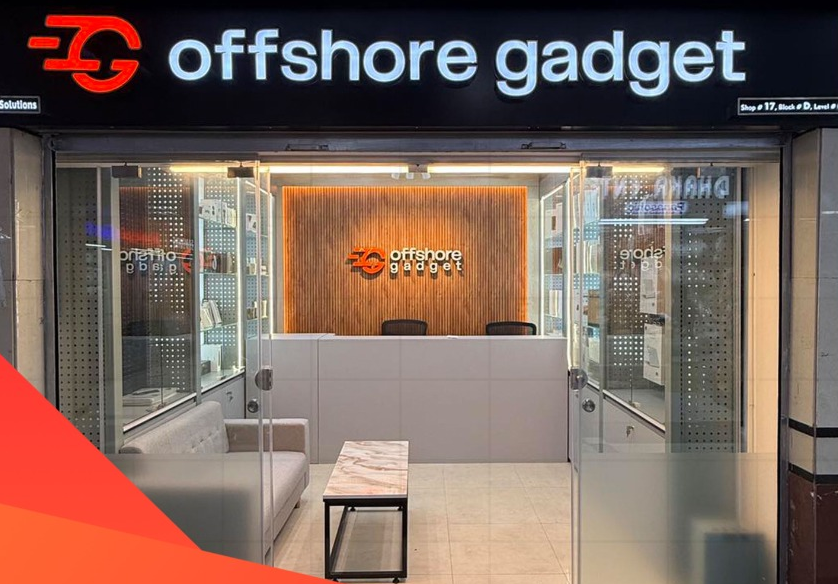
Need help choosing? Call or WhatsApp Offshore Gadget, or visit our store at Bashundhara City, Dhaka.
A pen set or a crest is forgotten in a week. A useful gadget gets used every day, and your company’s name
Working on one laptop screen slows you down. You switch windows all day: Excel to email, Zoom to notes, code to browser.
A MacBook is fast, but its 13- or 15-inch screen fills up quickly when you have Xcode, Figma, Excel or a Zoom

Shop Smarter, Source Anything: The Future of Shopping is Here! We Source The Products That You Want.
Opening Hours: 11:00 AM – 08:00 PM (Wed – Mon)