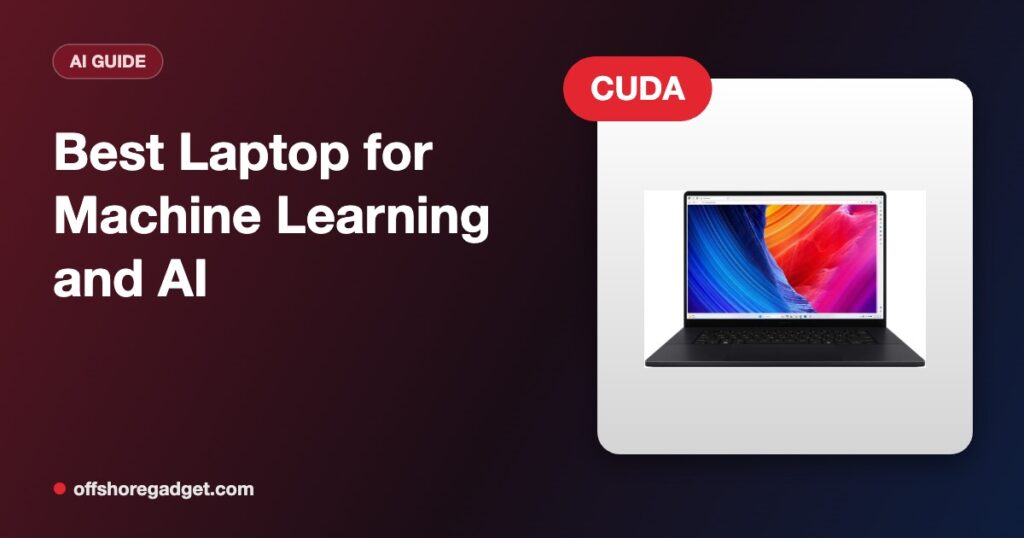
For machine learning and AI work, choose a laptop with an NVIDIA RTX GPU (for CUDA), as much GPU memory as you can afford, 32GB or more of system RAM and a fast 1TB SSD. The ASUS ProArt P16 with RTX 5070 and the Acer Swift X 14 AI with RTX 5060 are the strongest options we offer, while a MacBook Pro M5 Pro suits developers who use Apple’s MLX or run local models on unified memory.
Updated: November 2026
Key Facts
- GPU: NVIDIA RTX for CUDA, PyTorch and TensorFlow
- GPU memory (VRAM): More VRAM fits bigger models
- RAM: 32GB minimum, 64GB for larger data sets
- Storage: 1TB+ SSD for data sets and models
- NPU: Copilot+ NPUs help Windows AI features, not model training
- Buying in Bangladesh: new laptops on pre-order from Offshore Gadget. Ask for the price on WhatsApp and pay in Taka.
Recommended Laptop Specs for Machine Learning and AI
Training and fine-tuning models runs on the GPU. CUDA support on NVIDIA GPUs is still the standard for most ML frameworks and tutorials.
| Part | Minimum | Recommended |
|---|---|---|
| GPU | NVIDIA RTX 4050/5050 class | NVIDIA RTX 5070 or higher |
| RAM | 16GB | 32–64GB |
| Storage | 512GB SSD | 1–2TB SSD |
| Processor | 8-core | 12-core or better |
| Cooling | Good | Strong cooling for long training runs |
These are our buying recommendations. Always check the official system requirements of the software you use, such as the PyTorch install guide.
What Matters Most in a Laptop for Machine Learning and AI
CUDA and NVIDIA
PyTorch and TensorFlow have the widest support on NVIDIA GPUs through CUDA. Most courses and tutorials assume an NVIDIA GPU.
VRAM limits model size
GPU memory decides how large a model or batch you can run locally. For large models, many people train in the cloud and use the laptop for development.
System RAM
Data processing in pandas and notebooks needs plenty of RAM. 32GB is a comfortable minimum.
NPUs and Copilot+ PCs
The NPU in Copilot+ laptops runs on-device AI features in Windows efficiently, but it is not a replacement for a GPU when training models.
Best Laptops for Machine Learning and AI in Bangladesh
These laptops are available from Offshore Gadget. Pre-order models are imported new and sealed, and the price is given on request.
ASUS ProArt P16
16″ 4K OLED, Ryzen AI 9 HX 370, RTX 5070. RTX 5070, Ryzen AI 9 HX 370 and 64GB RAM in the listed configuration. Price on request (pre-order).
Acer Swift X 14 AI
14.5″ 3K OLED, RTX 5060, 32GB. RTX 5060 and 32GB RAM in a portable body, good for students learning ML. Price on request (pre-order).
MacBook Pro M5 Pro 16-inch
16″, M5 Pro, 24GB/1TB. M5 Pro with 24GB unified memory for MLX and local model inference on macOS. Price: ৳308,999, in stock.
What to Avoid
- Laptops without an NVIDIA GPU if your course uses CUDA.
- 16GB system RAM for serious data work.
- Expecting a laptop to train very large models; use cloud GPUs for that.
How to Buy Your Laptop from Offshore Gadget
- Choose a model from the list above or browse all laptops. You can also send us any Amazon or brand link.
- Message us on WhatsApp (+880 1333-388502) with the processor, RAM and storage you need.
- Get the price in Taka and pay the advance by bKash, Nagad, bank transfer or card.
- Receive the laptop in 7–24 working days for pre-orders, by home delivery or from our Bashundhara City showroom. Read how our pre-order service works.
Frequently Asked Questions
Do I need an NVIDIA GPU for machine learning?
For most ML courses and frameworks, yes. NVIDIA GPUs support CUDA, which PyTorch and TensorFlow use for fast training. You can learn on CPU or cloud notebooks, but a local RTX GPU speeds up experiments.
Is a MacBook good for machine learning?
A MacBook Pro with Apple silicon is good for development, data work and running models with Apple’s MLX or PyTorch MPS. CUDA-based code and some libraries still work best on NVIDIA GPUs.
What is an AI PC or Copilot+ PC?
A Copilot+ PC has an NPU that runs Windows AI features like Recall, live captions and image tools on the device. It does not replace a GPU for training machine learning models.
Where can I buy a laptop for Machine Learning and AI in Bangladesh?
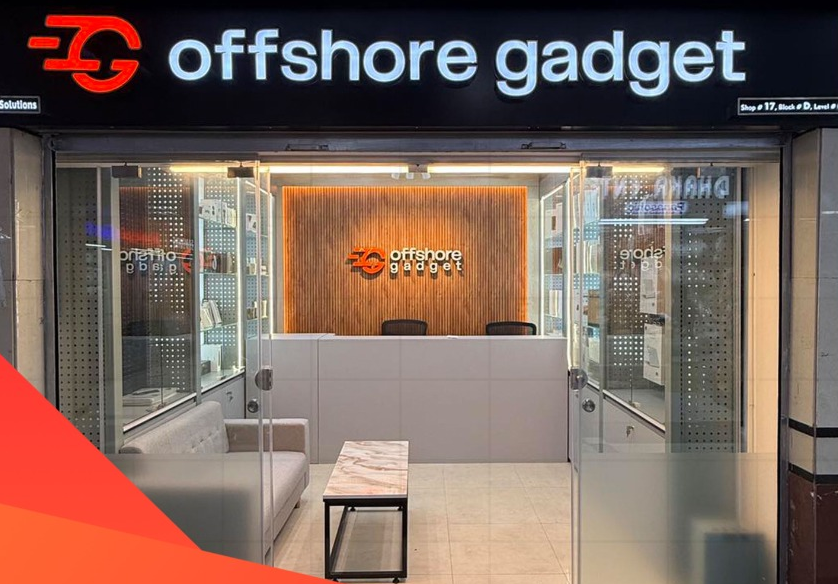
Offshore Gadget sells MacBooks from stock and imports new business, creator and workstation laptops on pre-order. Pre-order prices are given on request because they depend on the configuration and exchange rate. Message +880 1333-388502 on WhatsApp or visit our showroom at Bashundhara City, Dhaka.
মেশিন লার্নিংয়ের জন্য কোন ল্যাপটপ ভালো?
মেশিন লার্নিংয়ের জন্য NVIDIA RTX গ্রাফিক্স (CUDA), ৩২GB বা বেশি RAM ও ১TB SSD-এর ল্যাপটপ নিন। ASUS ProArt P16 বা Acer Swift X 14 AI ভালো পছন্দ।
AI শেখার জন্য কি দামি ল্যাপটপ লাগে?
শুরুতে Google Colab-এর মতো ক্লাউড ব্যবহার করে শেখা যায়। নিয়মিত মডেল ট্রেনিং করলে NVIDIA RTX গ্রাফিক্সের ল্যাপটপ কাজে আসে।
Bottom Line
For ML, an NVIDIA RTX GPU and 32GB+ RAM matter most; use the cloud for very large models. Message us on WhatsApp for a laptop recommendation and price in Taka.