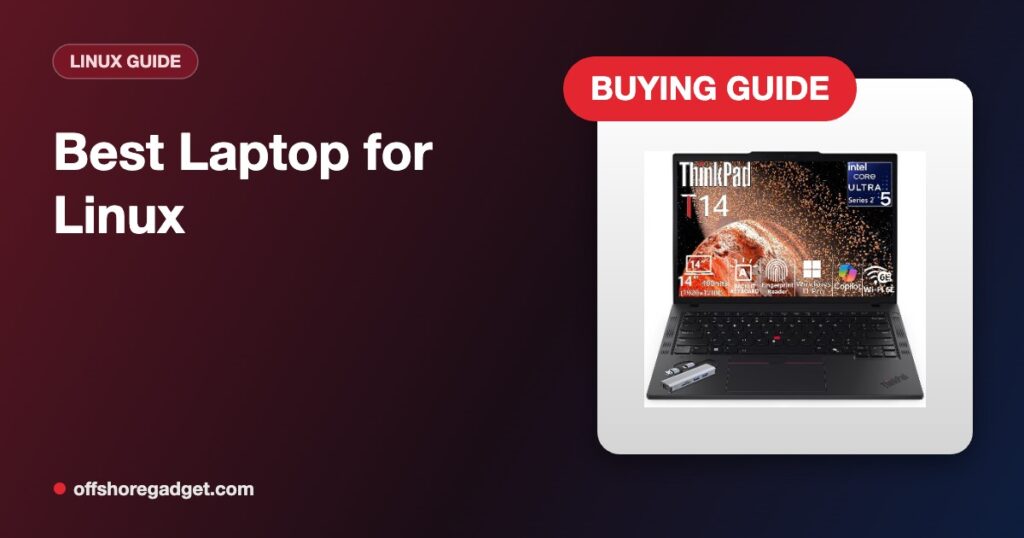
The best laptops for Linux use widely supported Intel or AMD hardware, and business lines such as Lenovo ThinkPad and Dell are the safest choices. The ThinkPad T14 Gen 6, ThinkPad X1 Carbon Gen 13 and Dell XPS 14 work well with Ubuntu and Fedora, while Snapdragon (Arm) Windows laptops and MacBooks have more limited Linux support.
Updated: November 2026
Key Facts
- Processor: Intel or AMD x86 for the best Linux support
- Brands: ThinkPad and Dell business laptops are long-time Linux favourites
- Wi-Fi: Intel Wi-Fi cards have strong Linux drivers
- Graphics: Integrated Intel or AMD is simplest; NVIDIA needs proprietary drivers
- Check first: Newer hardware may need a recent kernel
- Buying in Bangladesh: new laptops on pre-order from Offshore Gadget. Ask for the price on WhatsApp and pay in Taka.
Recommended Laptop Specs for Linux
Linux runs on almost any x86 laptop, but some components need newer kernels or extra drivers. Choosing proven hardware saves hours of troubleshooting.
| Part | Minimum | Recommended |
|---|---|---|
| Processor | Recent Intel or AMD | Intel Core Ultra or AMD Ryzen AI |
| RAM | 8GB | 16–32GB |
| Storage | 256GB SSD | 512GB–1TB NVMe SSD |
| Graphics | Integrated | Integrated Intel/AMD (or NVIDIA with drivers) |
| Wi-Fi | Supported chipset | Intel Wi-Fi |
These are our buying recommendations. Always check the official system requirements of the software you use, such as the Ubuntu certified hardware list.
What Matters Most in a Laptop for Linux
Hardware with good drivers
Intel and AMD graphics have open-source drivers built into Linux. NVIDIA works but needs proprietary drivers.
Use a recent distribution
Very new laptops may need a recent kernel for Wi-Fi, audio or sleep to work. Use the latest Ubuntu or Fedora release.
Check certification lists
Ubuntu publishes a certified hardware list, which shows laptops tested by Canonical.
Arm laptops
Snapdragon Windows laptops and Apple silicon MacBooks have limited Linux support, so they are not the best choice if Linux is your main OS.
Best Laptops for Linux in Bangladesh
These laptops are available from Offshore Gadget. Pre-order models are imported new and sealed, and the price is given on request.
Lenovo ThinkPad T14 Gen 6
14″ FHD+, Core Ultra 5 225U, 16GB/512GB. A classic Linux-friendly ThinkPad with Intel Core Ultra and a great keyboard. Price on request (pre-order).
Lenovo ThinkPad X1 Carbon Gen 13
14″ 2.8K OLED, Core Ultra 7 258V, 32GB/1TB. A premium ThinkPad with 32GB RAM, popular with Linux developers. Price on request (pre-order).
Dell XPS 14
14.5″ 3.2K OLED, Core Ultra 7 255H, 32GB/1TB. Dell XPS laptops have long been used by Linux developers. Price on request (pre-order).
Lenovo ThinkPad P16s Gen 4
16″ 4K OLED, Ryzen AI 7 PRO 350, 32GB/1TB. An AMD Ryzen AI PRO workstation with 32GB RAM for heavy Linux workloads. Price on request (pre-order).
What to Avoid
- Snapdragon (Arm) Windows laptops if you need full Linux support today.
- Brand-new hardware without checking reviews or kernel support.
- Laptops with unusual Wi-Fi chips.
How to Buy Your Laptop from Offshore Gadget
- Choose a model from the list above or browse all laptops. You can also send us any Amazon or brand link.
- Message us on WhatsApp (+880 1333-388502) with the processor, RAM and storage you need.
- Get the price in Taka and pay the advance by bKash, Nagad, bank transfer or card.
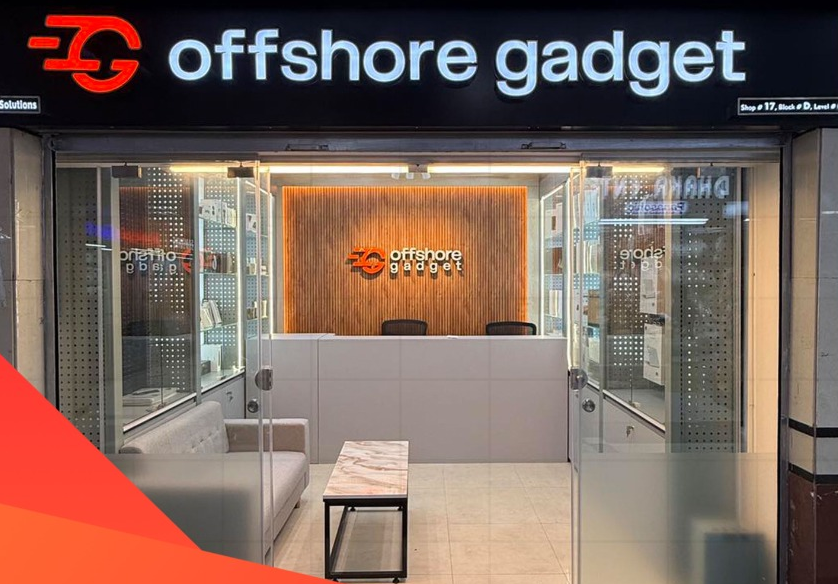
- Receive the laptop in 7–24 working days for pre-orders, by home delivery or from our Bashundhara City showroom. Read how our pre-order service works.
Frequently Asked Questions
Which laptop is best for Linux?
Lenovo ThinkPad and Dell business laptops with Intel or AMD processors are the most reliable for Linux. The ThinkPad T14, ThinkPad X1 Carbon and Dell XPS 14 are good choices.
Can I dual boot Windows and Linux?
Yes. Most Intel and AMD laptops can dual boot. Shrink the Windows partition, install Linux alongside it, and keep BitLocker recovery keys safe before you change partitions.
Does Linux work on MacBooks with Apple silicon?
Linux support on Apple silicon MacBooks is limited and still developing through projects like Asahi Linux. For a main Linux machine, choose an Intel or AMD laptop.
Where can I buy a laptop for Linux in Bangladesh?
Offshore Gadget sells MacBooks from stock and imports new business, creator and workstation laptops on pre-order. Pre-order prices are given on request because they depend on the configuration and exchange rate. Message +880 1333-388502 on WhatsApp or visit our showroom at Bashundhara City, Dhaka.
Linux-এর জন্য কোন ল্যাপটপ ভালো?
Linux-এর জন্য Intel বা AMD প্রসেসরের ThinkPad বা Dell ল্যাপটপ সবচেয়ে নির্ভরযোগ্য। ThinkPad T14, X1 Carbon বা Dell XPS 14 ভালো পছন্দ।
Windows ও Linux একসাথে চালানো যায়?
হ্যাঁ, বেশিরভাগ Intel ও AMD ল্যাপটপে ডুয়াল বুট করা যায়। ইনস্টল করার আগে ডেটার ব্যাকআপ নিন।
Bottom Line
For Linux, pick Intel or AMD business hardware with a proven track record. Message us on WhatsApp for a laptop recommendation and price in Taka.